Stop spam at every form — no CAPTCHA, no cloud dependency. 🛡️
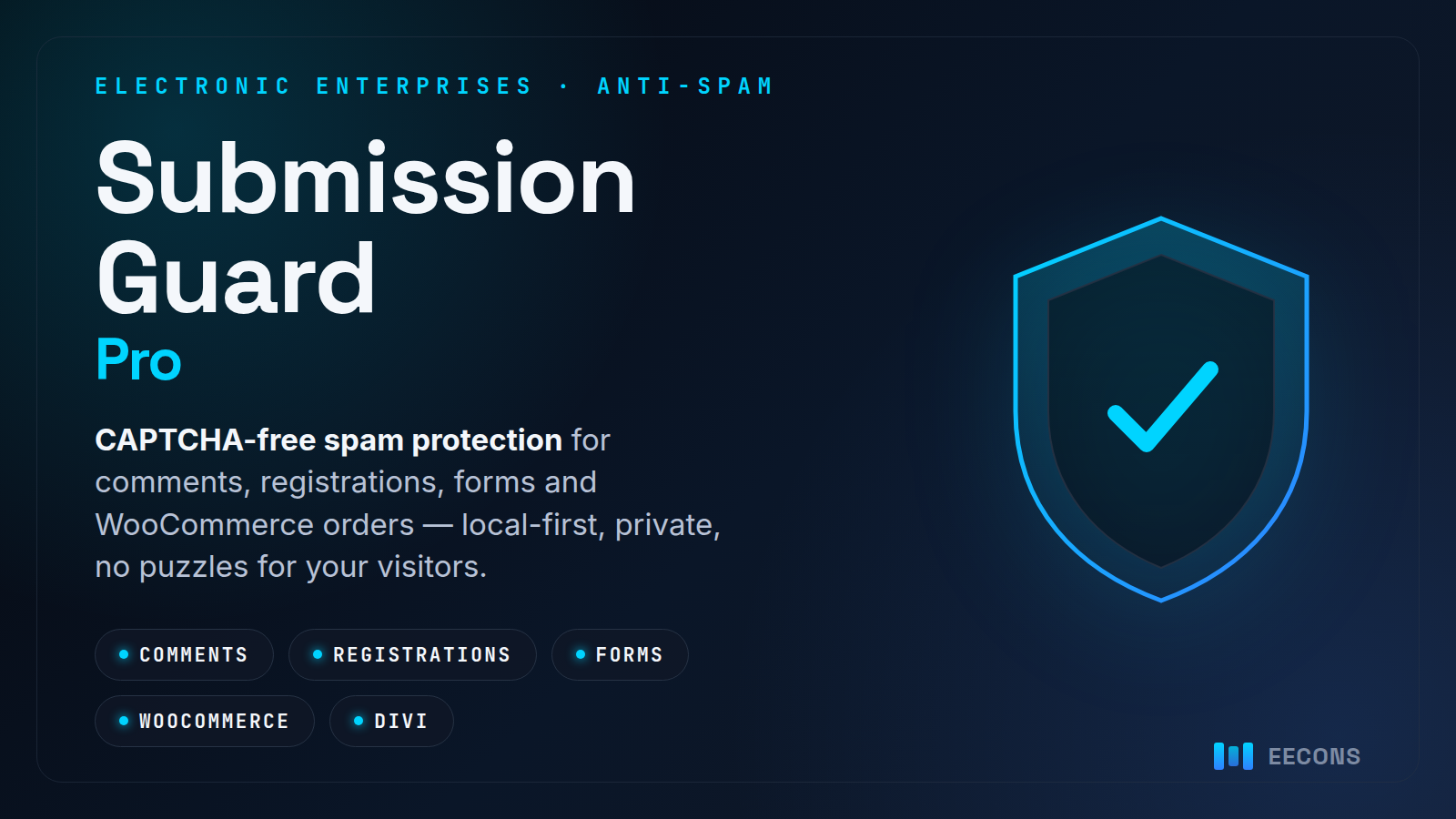
Submission Guard Pro blocks spam on comments, registrations, forms and WooCommerce orders with a strong local detection engine — signed interaction tokens, honeypots, and behavioral and content signals — so real visitors never see a puzzle. Pro adds every form-builder, WooCommerce and Divi integration, a firewall, GeoIP country rules, and shared reputation across the sites you run.
No CAPTCHA, ever
Signed interaction tokens, honeypots and behavioral signals catch bots silently. Your visitors never solve a puzzle or hunt for traffic lights.
Every form builder
Contact Form 7, Forminator, Fluent Forms and Gravity Forms, plus a generic catcher for any form — judged before anything is stored or emailed.
WooCommerce & Divi
Block checkout and customer-registration spam, and protect the Divi Contact Form and Email Optin modules — native, not bolted on.
Firewall & country rules
Anti-flood, anti-crawler and search-surface protection, with GeoIP country rules and a hijacked-network blocklist you control.
Local-first & private
Verdicts are computed on your own server. Feeds and monitoring are off until you switch them on, and nothing about your visitors leaves the site.
See every decision
A full decision log, dashboard, dry-run mode and WP-CLI — plus email, webhook and Telegram alerts, and a cross-site uptime watch.
What’s inside
One plugin, every spam surface — local-first and reversible.
- Comments, pingbacks & trackbacks
- User registration & lost-password
- WooCommerce checkout & sign-up
- Divi Contact Form & Email Optin
- Contact Form 7, Forminator & Fluent Forms
- Gravity Forms & a generic form catcher
- Signed tokens, honeypot & behavior checks
- Disposable-email & Tor-exit detection
- GeoIP country rules & firewall
- Shared reputation across your sites
- Decision log, dry-run & WP-CLI
- Email, webhook & Telegram alerts
Licensing 💳
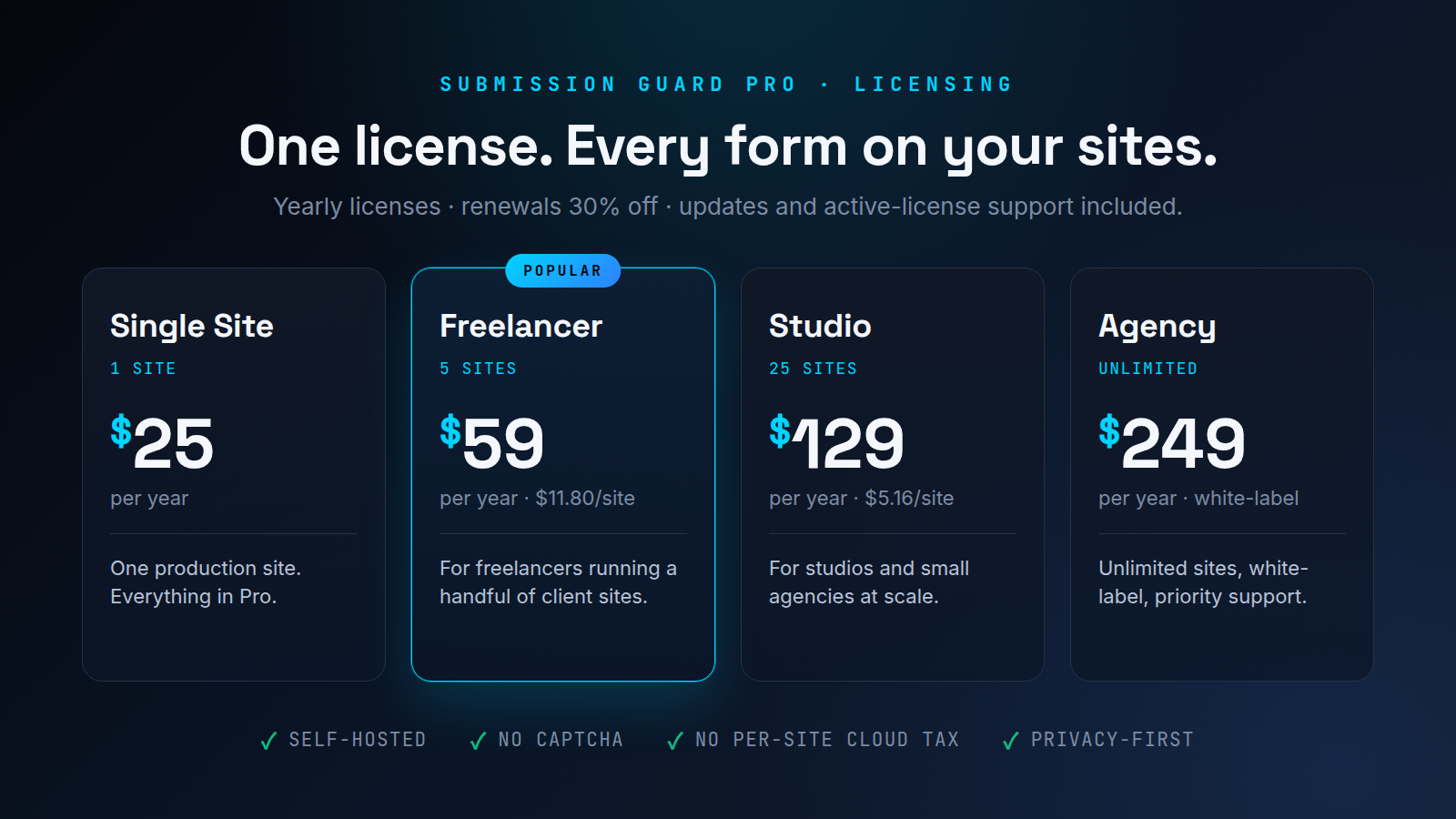
Yearly licenses — renewals 30% off. Every license includes updates and active-license support.
| Plan | Best for | Price |
|---|---|---|
| Single Site | One production site | $25 |
| Freelancer | Up to 5 client sites | $59 |
| Studio | Up to 25 sites | $129 |
| Agency | Unlimited sites + white-label | $249 |
How it works ⚡
- Install & activate Submission Guard Pro, then paste your license key under Submission Guard → License.
- Turn on the integrations you use — WooCommerce, Divi, your form builder — each with a safe log-only mode to start.
- Leave it in dry-run to watch decisions on the log, then switch to protect when you’re happy.
- Tune your rules and let the firewall, country rules and feeds do the quiet work.
- Updates & support arrive through the normal WordPress updates screen via the EECONS License Manager.
Questions, answered
Does it use CAPTCHA?
No. Submission Guard uses signed interaction tokens, honeypots and behavioral signals, so real visitors never see a puzzle. If you already run a CAPTCHA you can keep it — this works alongside it.
Will it slow my site down?
No. Detection runs locally in a few milliseconds — there is no per-request cloud round-trip. If you use a performance plugin that delays JavaScript, keep the eesg-collector-js script out of the delay so instant submissions still carry a token.
Which forms does it protect?
Comments, registration and lost-password are covered in every edition. Pro adds WooCommerce checkout and sign-up, the Divi Contact Form and Email Optin modules, Contact Form 7, Forminator, Fluent Forms, Gravity Forms, and a generic catcher for any other form.
Is my visitors’ data sent anywhere?
No. Verdicts are computed on your own server. The optional reputation feeds and monitoring (webhook, Telegram, heartbeat) are off until you turn them on, and none of them carry anything about your visitors.
How many sites does a license cover?
Single Site covers 1, Freelancer 5, Studio 25, and Agency is unlimited with white-label. Local and staging domains run Pro without using an activation.
How do updates and support work?
Licensed installs receive updates through the normal WordPress updates screen via the EECONS License Manager. Active license holders get email support — reach us from the EECONS support page.